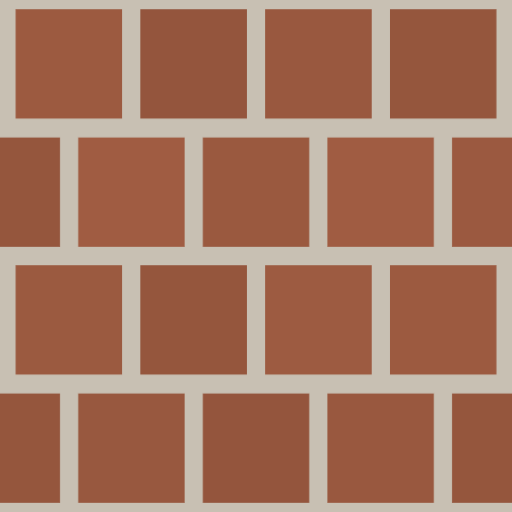
Architectural Texture Generators — Seamless Building Materials Online
Browse free seamless architectural texture generators for brick, concrete, tile, marble, and other building materials. PBR-ready exports for arch-viz.
Kategorieübersicht
The Architectural category brings together procedural generators for brick, concrete, tile, marble, subway tile, and other building surface materials. Each generator produces seamless, tileable PBR maps (Base Color, Normal, Roughness, Height) directly in your browser, designed specifically for architectural visualization, interior design mockups, and game environment art. Unlike photo-sourced textures, every parameter can be adjusted in real time — change brick color, mortar width, tile scale, or surface wear without searching for a new source file.
Häufige Anwendungen
- • Architectural visualization (arch-viz) renders in V-Ray, Corona, and Blender Cycles
- • Interior design concept presentations and virtual home staging
- • Game environment art for urban, residential, and commercial building surfaces
- • Construction documentation and material specification visuals
Empfohlene Generatoren
- Kostenloser prozeduraler Red Brick Texture Generator
- Prozeduraler Betontexturgenerator
- Texturgenerator für Keramikfliesen
- Prozeduraler Marmor-Texturgenerator
Nutzungsanleitung
Start by identifying the primary building material you need (brick, tile, concrete, marble, etc.), then open the most specific generator for that surface type. Adjust the material-specific parameters first (brick color, grout width, vein pattern), then fine-tune the Roughness to match the intended finish — polished marble vs. rough concrete require very different roughness values. Export all four PBR maps at 4096×4096 for hero shots, or 2048×2048 for tiling environments.
Vorteile dieser Kategorie
Architectural materials demand physical accuracy above all — the lighting response must look correct under both natural daylight and artificial interior lighting. These generators are tuned for that precision, with careful attention to how roughness and normal maps interact under realistic arch-viz lighting setups.
Architektonisch Texturen
Häufig gestellte Fragen
Welchen Generator sollte ich zuerst öffnen?
Öffnen Sie den Generator, der Ihrem Ziel am nächsten kommt, bestätigen Sie die Richtung und kehren Sie zum Vergleichen zurück.
Welchen Mehrwert bietet diese Seite?
Sie stellt verwandte Seiten in einen vergleichbaren Rahmen, um bewusst zu wählen statt blind zu suchen.
Wie bewerte ich das Generatorergebnis?
Prüfen Sie, ob der Generator hilft, die Richtung schnell festzulegen und ob das Ergebnis den PBR-Export übersteht.
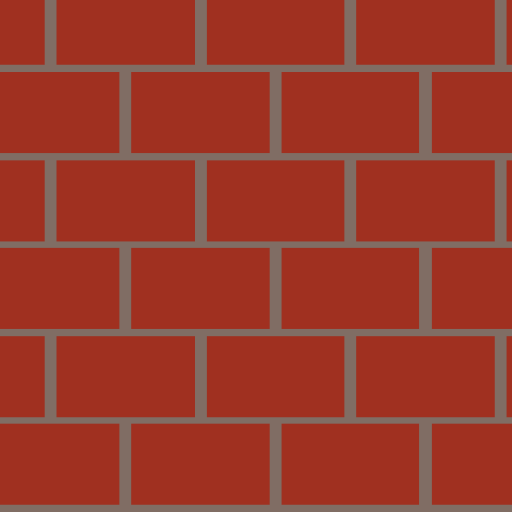
Kostenloser prozeduraler Red Brick Texture Generator

Prozeduraler Betontexturgenerator
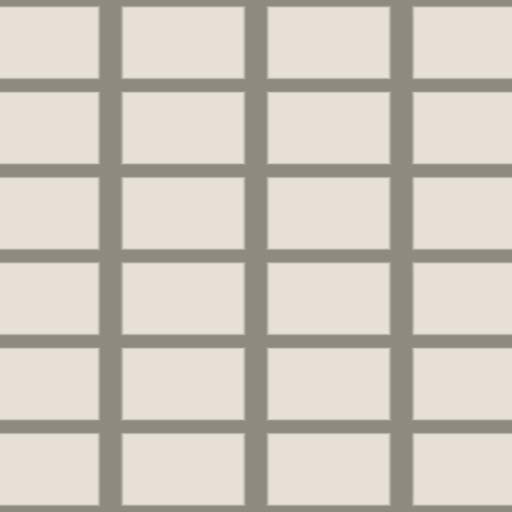
Texturgenerator für Keramikfliesen

Prozeduraler Marmor-Texturgenerator
Prozedurale Textur aus gebürstetem Metall