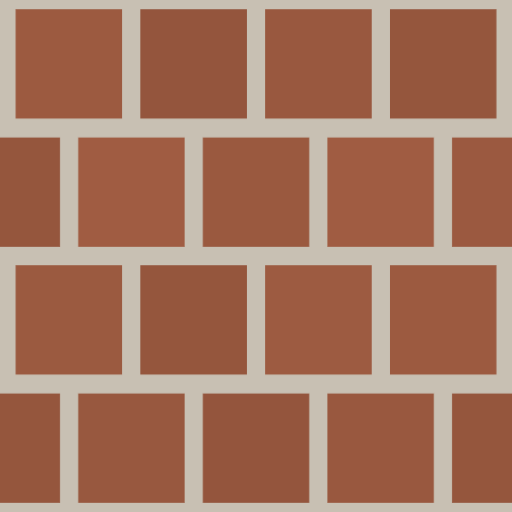
Architectural Texture Generators — Seamless Building Materials Online
Browse free seamless architectural texture generators for brick, concrete, tile, marble, and other building materials. PBR-ready exports for arch-viz.
Descripción de la categoría
The Architectural category brings together procedural generators for brick, concrete, tile, marble, subway tile, and other building surface materials. Each generator produces seamless, tileable PBR maps (Base Color, Normal, Roughness, Height) directly in your browser, designed specifically for architectural visualization, interior design mockups, and game environment art. Unlike photo-sourced textures, every parameter can be adjusted in real time — change brick color, mortar width, tile scale, or surface wear without searching for a new source file.
Usos comunes
- • Architectural visualization (arch-viz) renders in V-Ray, Corona, and Blender Cycles
- • Interior design concept presentations and virtual home staging
- • Game environment art for urban, residential, and commercial building surfaces
- • Construction documentation and material specification visuals
Generadores destacados
- Generador de textura de ladrillo rojo procesal gratuito
- Generador de textura de hormigón procesal
- Generador de textura de baldosas cerámicas
- Generador de textura de mármol procesal
Guía de uso
Start by identifying the primary building material you need (brick, tile, concrete, marble, etc.), then open the most specific generator for that surface type. Adjust the material-specific parameters first (brick color, grout width, vein pattern), then fine-tune the Roughness to match the intended finish — polished marble vs. rough concrete require very different roughness values. Export all four PBR maps at 4096×4096 for hero shots, or 2048×2048 for tiling environments.
Ventajas de esta categoría
Architectural materials demand physical accuracy above all — the lighting response must look correct under both natural daylight and artificial interior lighting. These generators are tuned for that precision, with careful attention to how roughness and normal maps interact under realistic arch-viz lighting setups.
Arquitectónica Texturas
Preguntas frecuentes
¿Qué generador debo abrir primero?
Abra el generador más cercano a su objetivo, confirme la dirección y vuelva para comparar.
¿Qué valor aporta esta página?
Coloca páginas relacionadas en un marco comparativo para elegir conscientemente en lugar de navegar a ciegas.
¿Cómo evaluar el resultado del generador?
Verifique si el generador le ayuda a definir la dirección rápidamente y si el resultado resiste la exportación PBR.
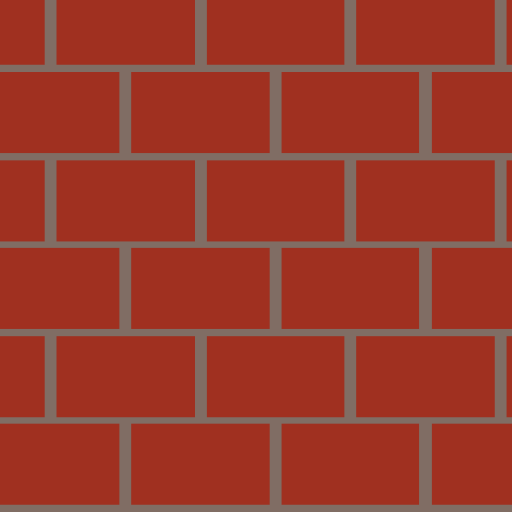
Generador de textura de ladrillo rojo procesal gratuito

Generador de textura de hormigón procesal
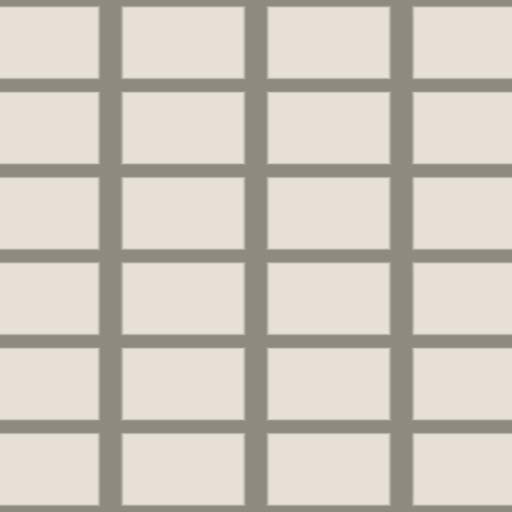
Generador de textura de baldosas cerámicas

Generador de textura de mármol procesal

Textura de metal cepillado procesal