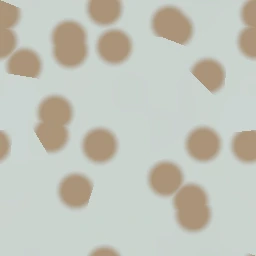
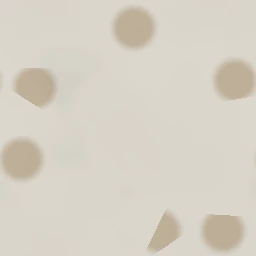
PBR channels
Use Base Color, Normal, Roughness, Height, and Ambient Occlusion for plaster, stucco, painted wall, and damaged wall surfaces.
Plaster pattern
Clean painted drywall with a soft roller mottle and a slight sheen.
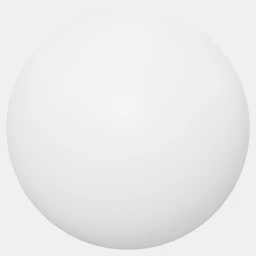
Maps: Base Color · Normal · Height · Roughness · AO
Formats: PNG 1024x1024 · Raw ZIP · Unreal ORM ZIP · Unity Mask ZIP · MaterialX · glTF — up to 4096x4096 in Studio
ZIP contains all raw PBR maps at 1024x1024. Unreal and Unity ZIPs add packed engine masks; use Studio for higher resolution or custom parameters.
Use Base Color, Normal, Roughness, Height, and Ambient Occlusion for plaster, stucco, painted wall, and damaged wall surfaces.
Treat one tile as a wall or ceiling patch; scale down for close drywall texture and scale up for broad stucco or stained exterior walls.
Use Base Color in sRGB and data maps as linear inputs. In Blender, mix height through bump or displacement depending on render settings.
The export does not model wall thickness, peeling layers, cracks, or chipped geometry; use decals or mesh detail for large damage.
Open this material in the matching online texture generator from the texture page.
Adjust scale, colors, structure, and surface wear until the material fits your scene.
Set a new seed to generate unlimited seamless variations of the same texture.
Export base color, normal, roughness, height, and ambient occlusion maps as PNG, ZIP, MaterialX, or glTF.
Yes. Every texture is generated in your browser and free to export for commercial and personal projects.
Yes. The procedural patterns tile seamlessly so they repeat without visible seams on large surfaces.
You can export base color, normal, roughness, height, and ambient occlusion maps for your engine of choice.